Prepbook
Minimal recipe manager
Prepbook is a clean and minimal recipe manager built around text. A recipe is a plain document: nothing to fill in, nothing to tag - it reads the structure from what you write. It's available as a web application, plus native iOS and Android apps.


Prepbook started as a side project in 2024. My recipes were split between dedicated recipe apps and Google Docs, and I wanted the simplicity of a text document with the features of a recipe app. I designed the product and built it with my friend Jordan, using it to organize our recipes along the way.
Recipes as documents
Most recipe apps split a recipe into separate fields, which is easy for a computer but annoying for the person typing. In Prepbook a recipe is one document - you can write it yourself or import it from a link, a video or a photo. The structure is read from the text. The parsing is layered: regular expressions and classic parsing where the text is predictable, small purpose-trained neural networks, and an LLM for the cases those can't resolve.
The editor was the most challenging part. We wanted a page that reads like a finished recipe and is fully editable in place, with no separate edit mode. The one we built has amount chips, timers and ingredient links all inline with the text. It also keeps a version history, so you can experiment with a recipe and keep an organized log.
Scaling
Prepbook knows where every amount sits in the text, so you can pick any ingredient and scale the whole recipe from it. Recipe calls for 3 eggs but you only have 2 left? Scale the eggs and everything else follows in the same ratio, updating live in the text as you drag.
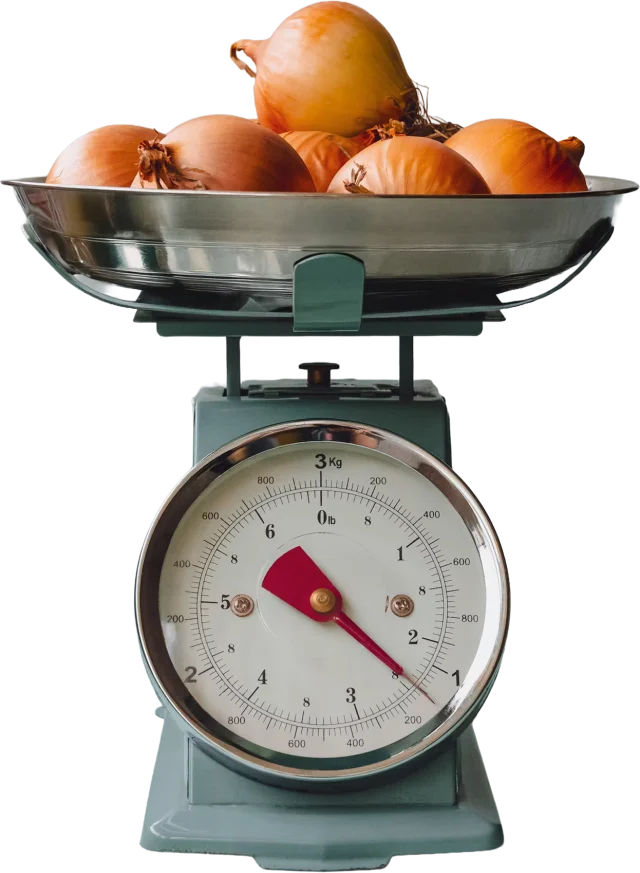
Other recipe apps usually give you a slider or a few buttons, which are limited or unintuitive. For Prepbook I designed a dial inspired by vintage kitchen scales. Because a dial is circular it never runs out, you can keep turning from zero up to any amount. Amounts snap as you drag, with a haptic tick on phones.
Sharing
Sending a recipe to a friend shouldn't require them to download an app or sign up. A recipe is shared as a link that just opens in the browser. The other person gets the full recipe - they can scale it, use the timers, and save it to their own Prepbook if they have one. The link stays up to date when you edit the recipe. Try one
Search
When working on search I wanted something intuitive - searching for “Italian” should bring up gnocchi, pasta and pizza, even if the word isn't in the recipe. Prepbook has no tags or categories, so search runs on vector embeddings that understand what a recipe is about. You can just describe what you're looking for - an ingredient you have, a dish you're in the mood for, a half-remembered name. Exact words like a title or an ingredient still match, and it all works across languages.
And the rest
Prepbook shipped as a full product: App Store and Play Store, a free tier and a subscription, 20 languages. A few other things I care about:
- Import from a link, a video, or a photo of a cookbook page.
- Offline first, with sync across devices and platforms.
- Light and dark mode
- A selected set of typographic styles, including a font modified specifically for this project.